
Welcome! Your VPS has been pre-installed with OpenClaw and is ready to use.
This guide will walk you through first-time access, token setup, and basic usage.
✅ How to configure the OpenClaw Server
SSH into the server, and you will be met with the OpenClaw MOTD and Welcome Message.
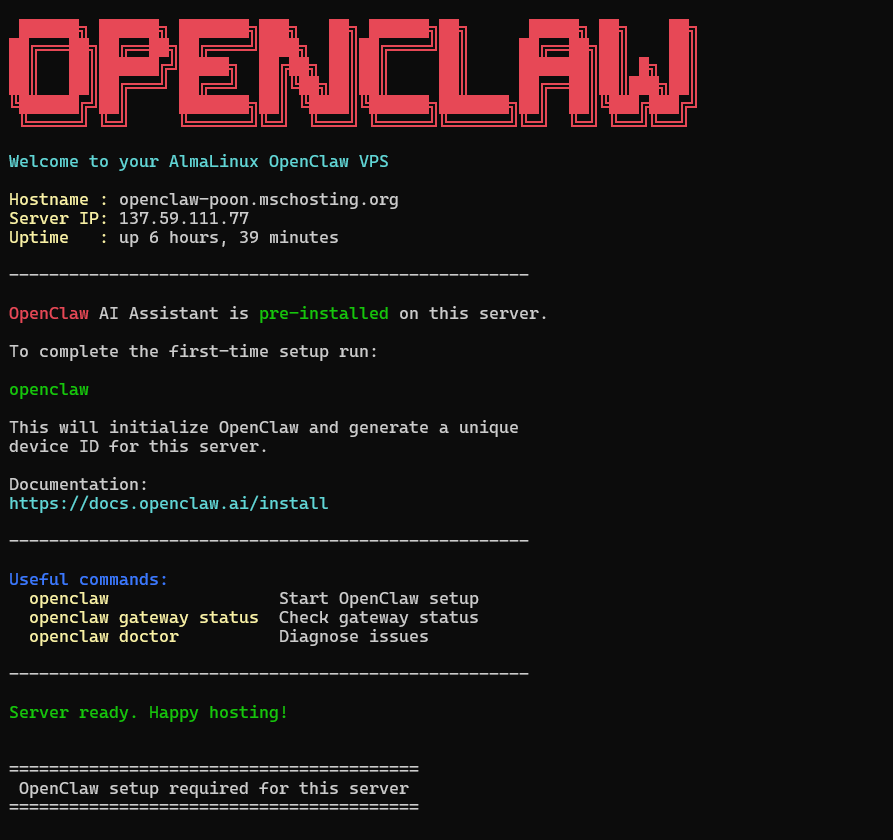
Run
openclaw doctorto complete the setup.
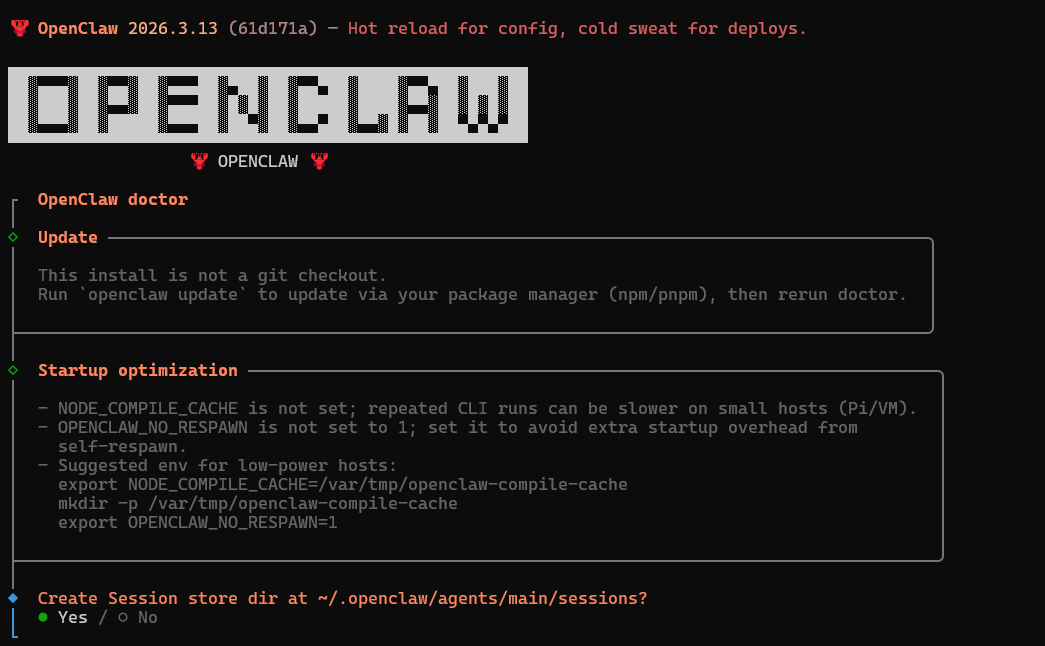
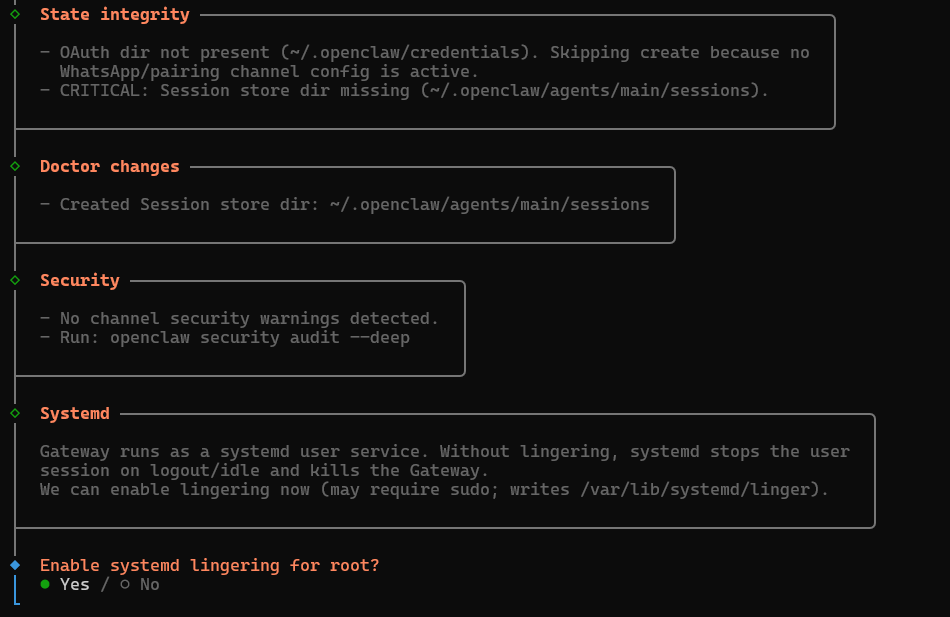
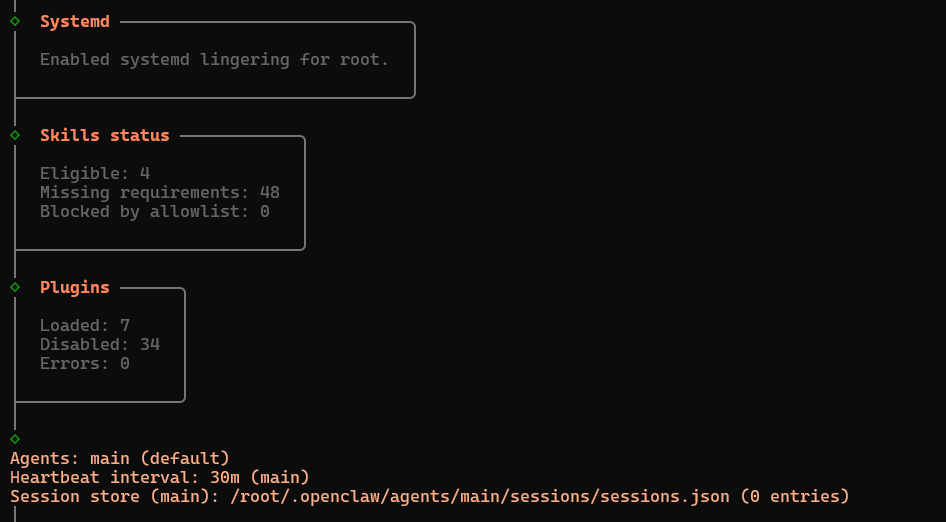
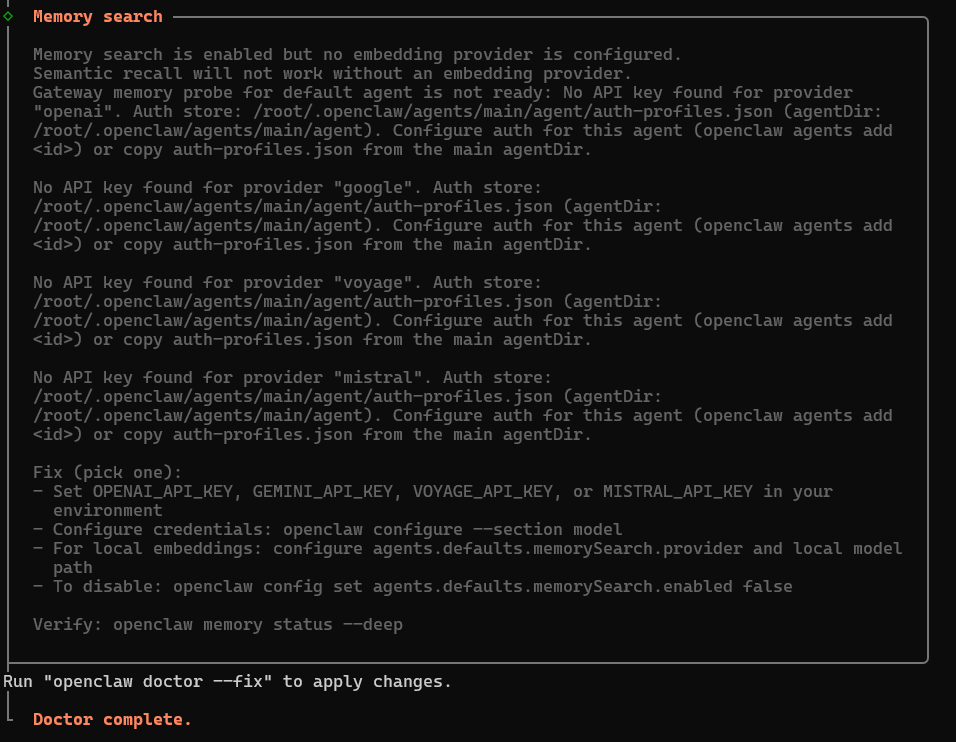
Review the changes, then run
openclaw doctor –fixto apply the changes.Run
openclaw gateway statusto check on the OpenClaw Gateway Service.
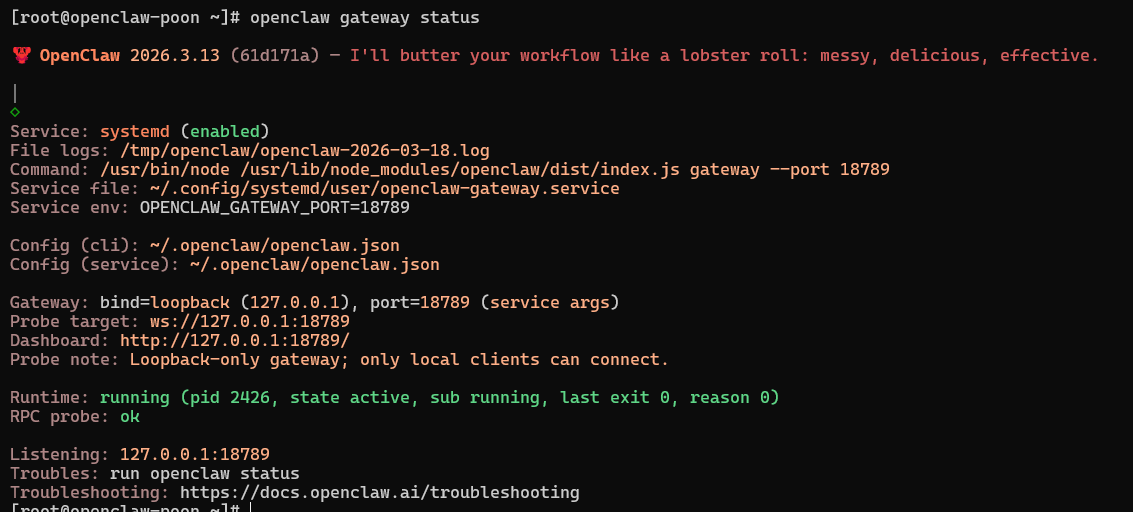
Then run
openclaw dashboardto get the Gateway Token.
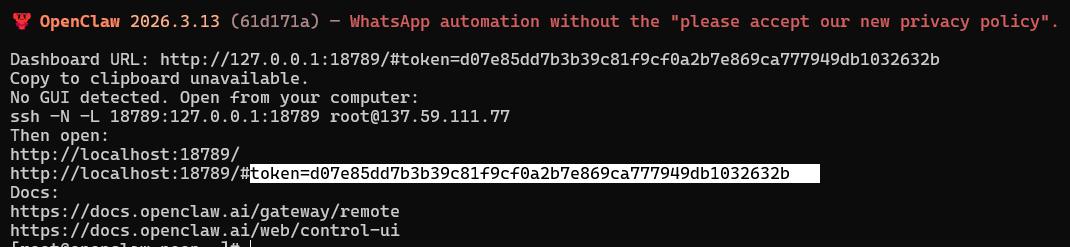
References:
https://docs.openclaw.ai/channels/whatsapp
https://docs.openclaw.ai/channels/discord
https://docs.openclaw.ai/cli
https://docs.openclaw.ai/automation/hooks
https://eastondev.com/blog/en/posts/ai/20260205-openclaw-whatsapp-integration/