
WhatsApp Integration
Choose WhatsApp and select Yes.
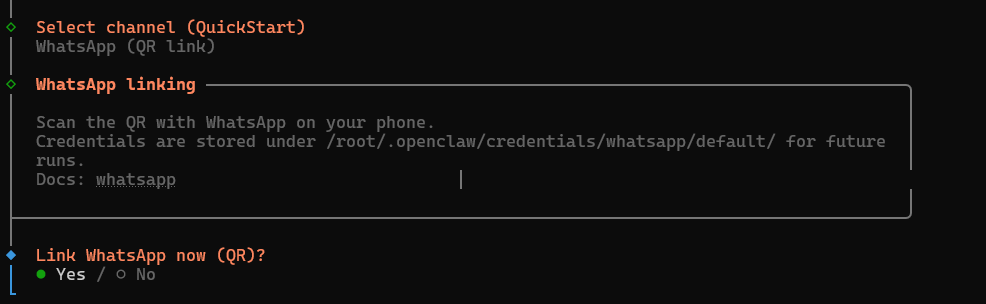
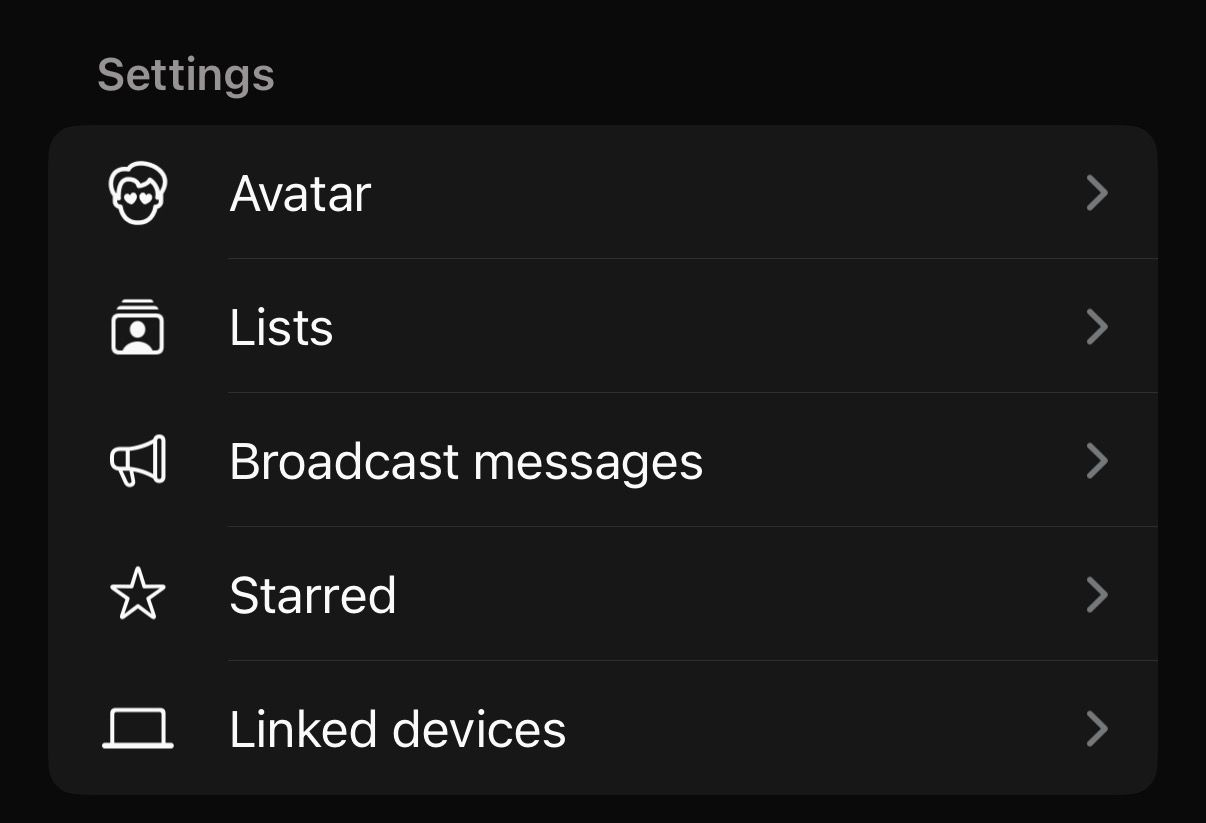
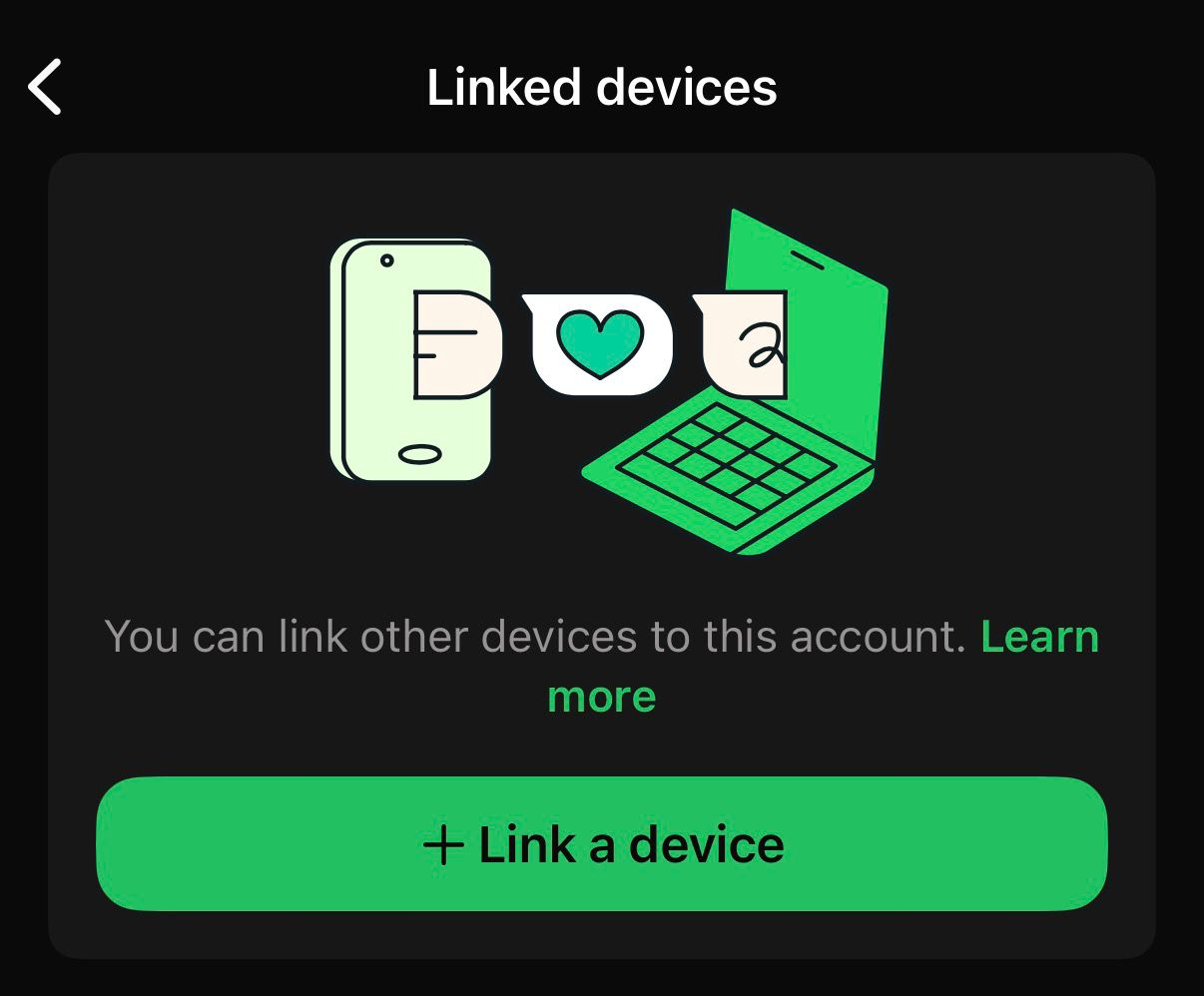
A QR Code will be generated, go to your WhatsApp and select Linked Devices > Link a Device.
After scanning, choose if this phone is a separate or personal phone.
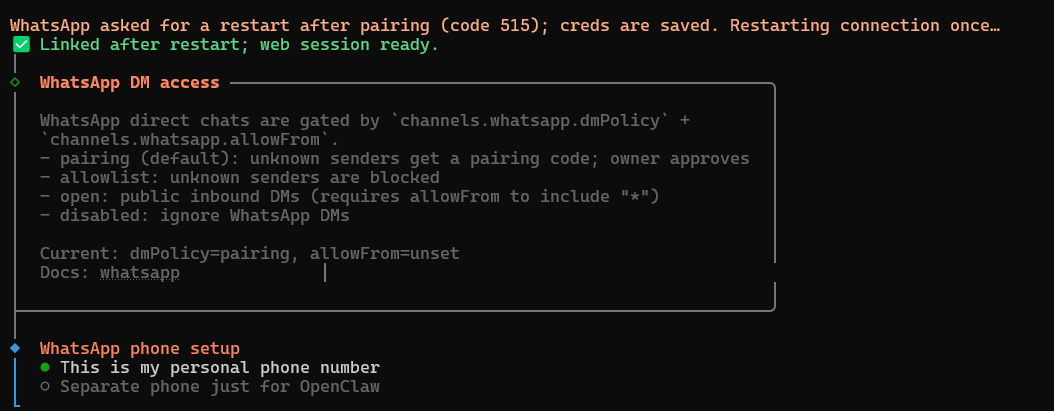
Enter your phone number into OpenClaw.
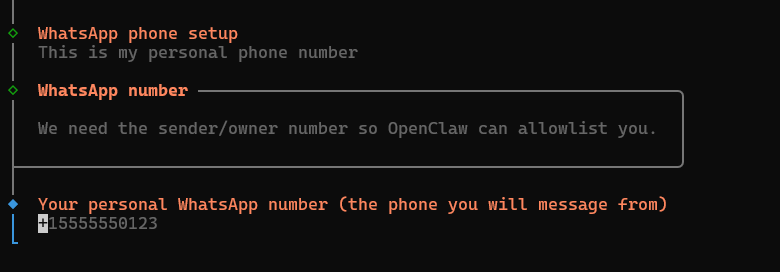
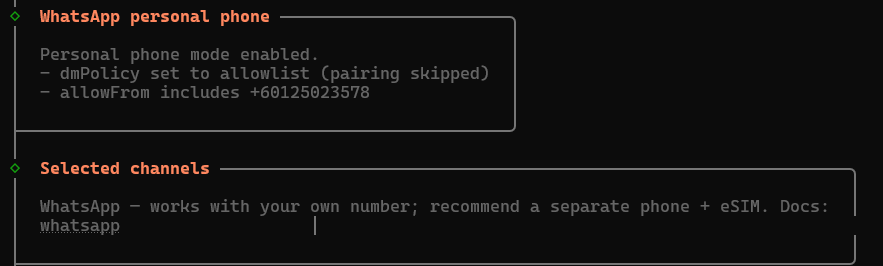
You can also add the numbers you want to receive messages from in the config file in
~/.openclaw/openclaw.json.Example:
  "channels": {
    "whatsapp": {
      "enabled": true,
      "capabilities": [],
      "dmPolicy": "allowlist",
      "selfChatMode": true,
      "allowFrom": [
        "+60123456789",
        "+60134567890"
      ],
      "groupPolicy": "allowlist",
      "debounceMs": 0,
      "mediaMaxMb": 50
    },
Once completed, the number can send a message to OpenClaw, and OpenClaw will respond within seconds.
In this case, the LLM request timed out; however, the containerization_explanation.txt file was successfully created.
Please note that the LLM request timeout is a limitation of WhatsApp.