
For Web UI
- After ensuring that OpenClaw Gateway is running and after retrieving the Gateway Token, open a new PowerShell window and run the following.
ssh -L 18789:127.0.0.1:18789 root@<ip address> -p8288
This binds the server’s 18789 port to your localhost port 18789.
Enter your password and leave it there. No further output will be displayed.
- Run openclaw dashboard --no-open from your VPS and copy the URL and then go to your browser to paste the URL.

If you retrieved the token before, you can go to http://127.0.0.1:18789 after binding port 18789 to your localhost, you can paste the token in under “Gateway Token”.
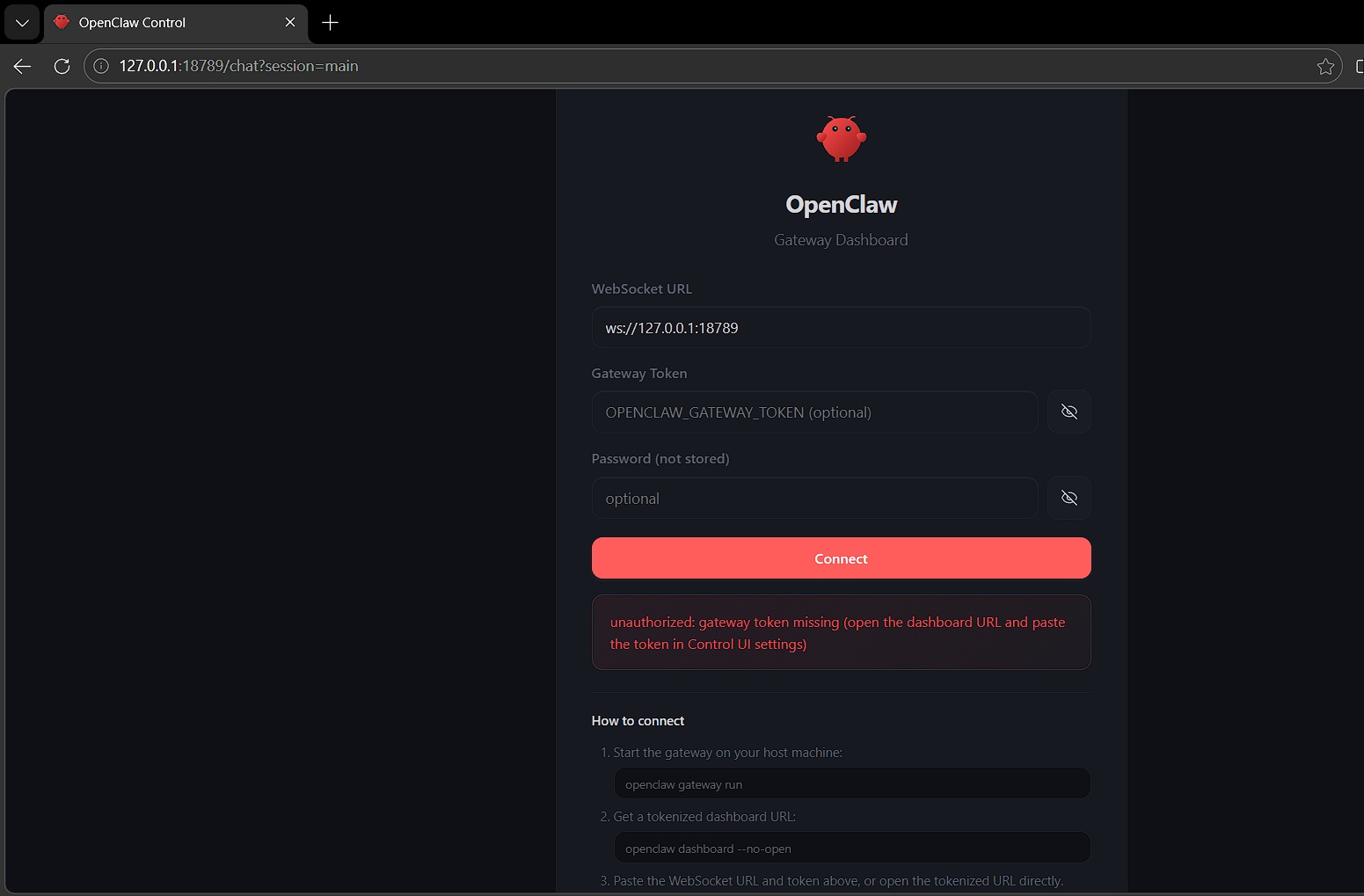
- You will be on this page.
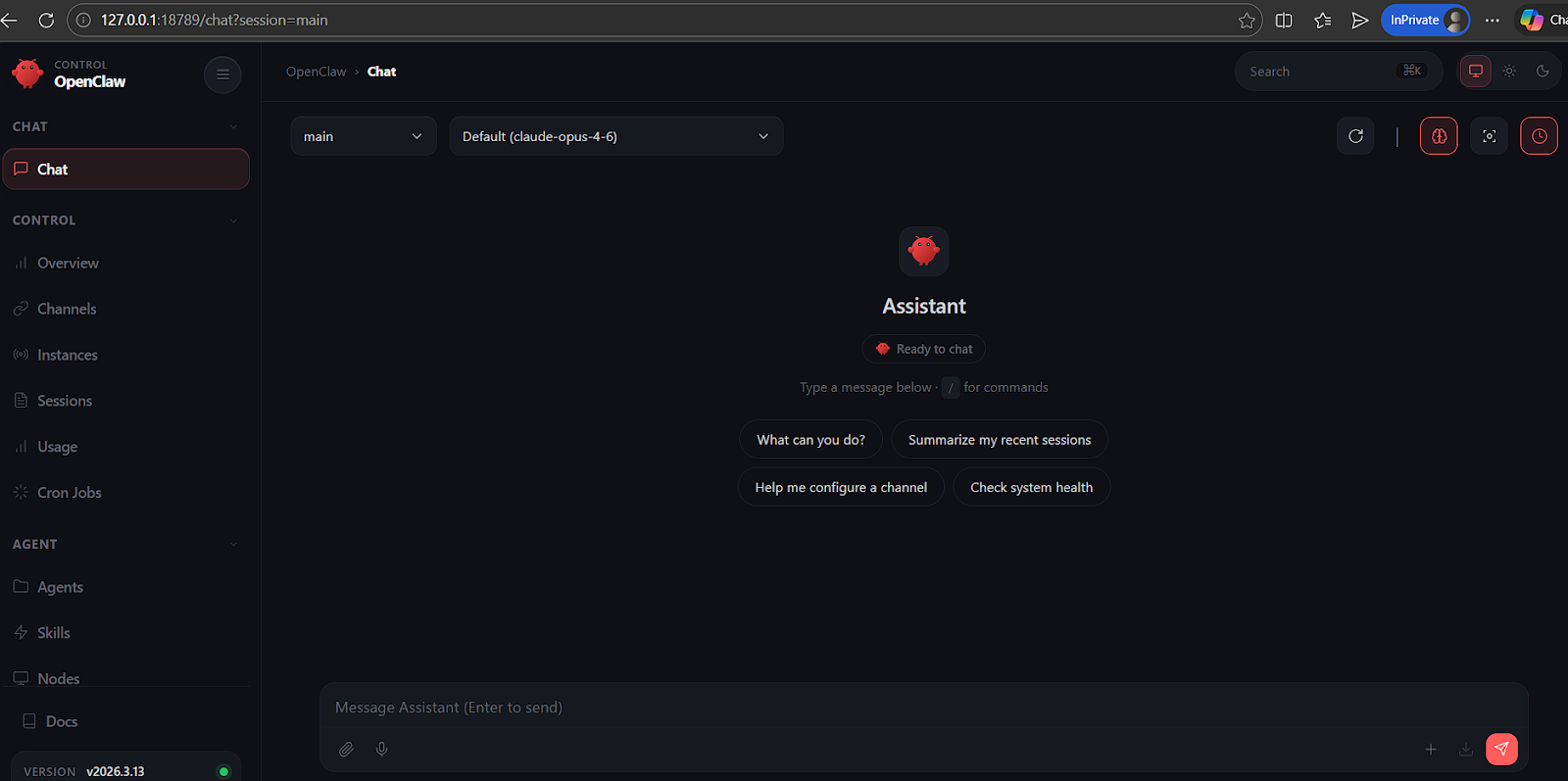
TUI ( Terminal UI )
- SSH into your server root@<ip_address> -p8288
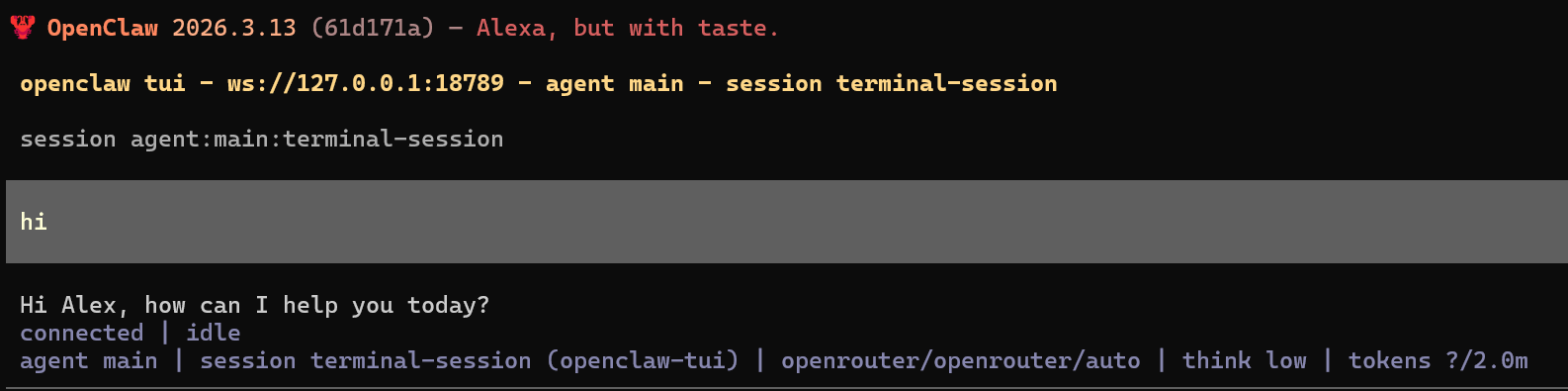
- Run openclaw tui.
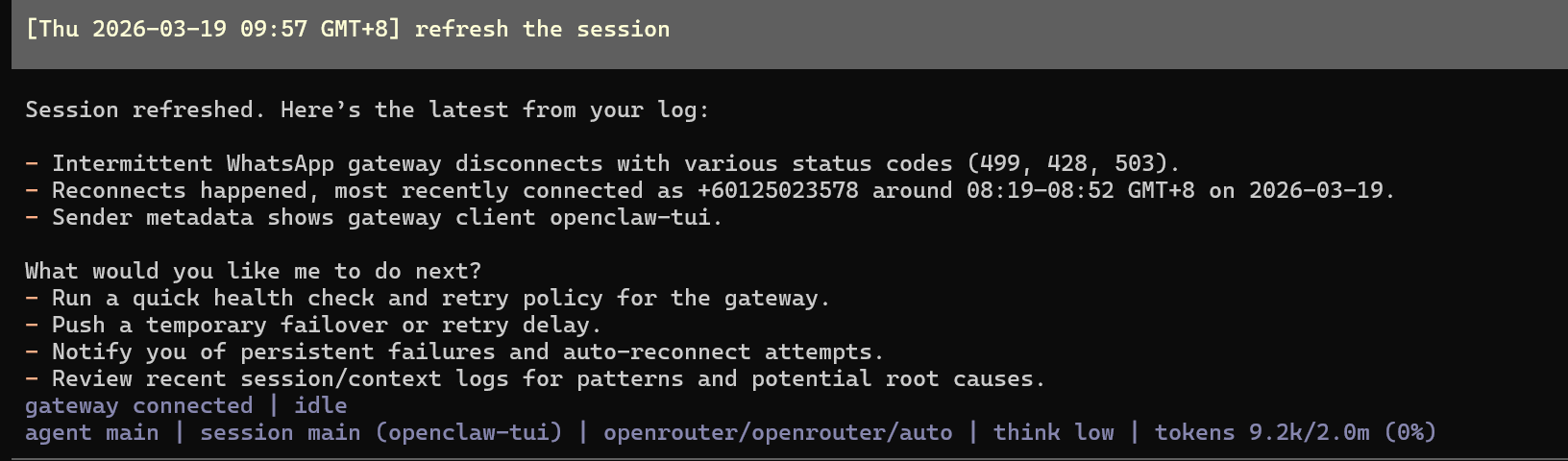
The terminal-based Openclaw will run, it contains the same session as the Web UI version.

- You can give simple commands in human language, like refresh the session.
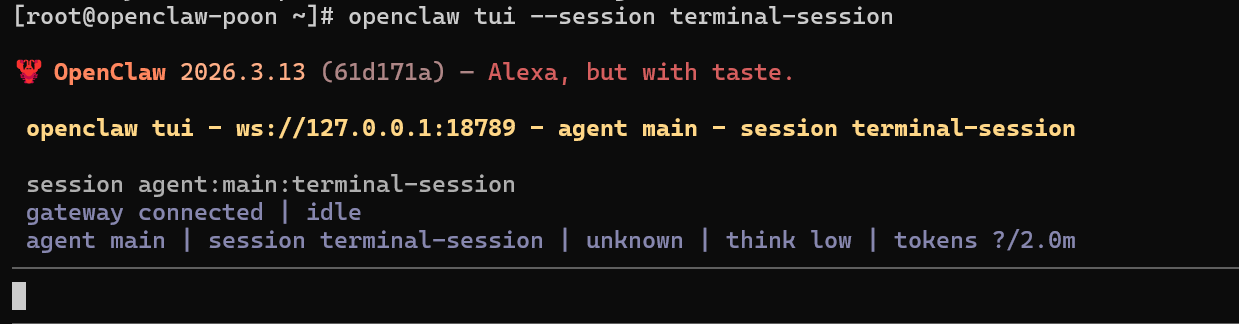
- You can start Openclaw's TUI in its own session with the following command below.
openclaw tui --session terminal-session - replace "terminal-session" with your preferred session name.
- Type /exit to exit the TUI session.
