
1. Please log in to the client management area via the portal listed below:
For MY clients -> https://billing.exabytes.my/mypanel/clientarea.php
For SG clients -> https://billing.exabytes.sg/mypanel/clientarea.php
For US clients -> https://billing.exabytes.com/mypanel/clientarea.php
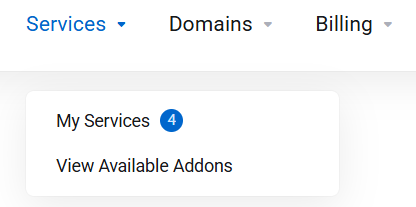
2. Choose "Services" > "My Services" once you have entered.
3. Click on ... -> View Details icon on the subscribed SpamExperts services.

4. Scroll down and click on "Log In to Panel" to continue. 
5. You will now be directed to the SpamExperts Dashboard.
