
1. Access the SpamExperts Dashboard through the Client area.
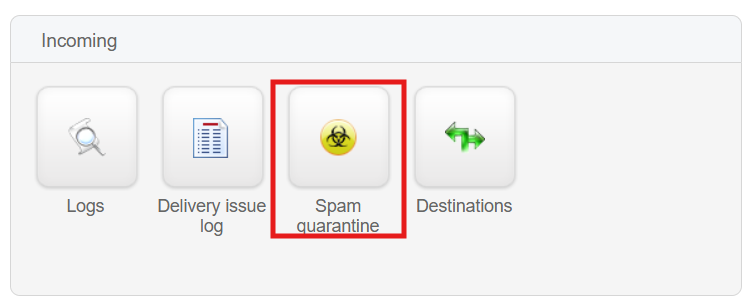
2. Select "Spam Quarantine" in the "Incoming" section.
3. You will be directed to a page that displays all recently quarantined incoming emails.
4. To narrow your search, click on the dropdown list of search elements and choose your preferred filter criteria.
You can select either "Sender" or "Recipient" and input the sender or recipient email in the "Search column".

5. Complete the search criteria and click on "Search".
6. Allow the system a few seconds to process the required data, and it will display the results based on the specified criteria.