
1. Enter SpamExperts Dashboard via Client area.
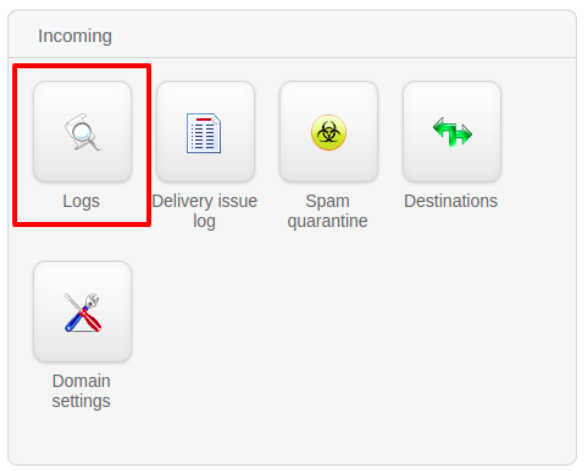
2. Click on Logs under Incoming section as per below screenshot
3. Add New Rule to find the incoming mail log from a particular sender and click on Show Results as per below.
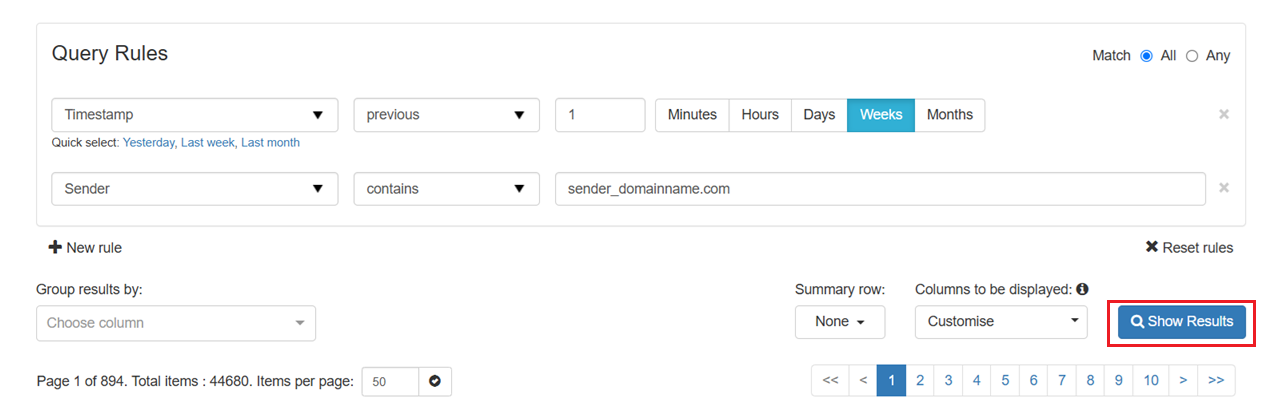
4. Users can then view the status of incoming mails from a particular sender.
NOTE: You may change the rule according to your own search criteria.