1. Enter SpamExperts Dashboard via Client area.
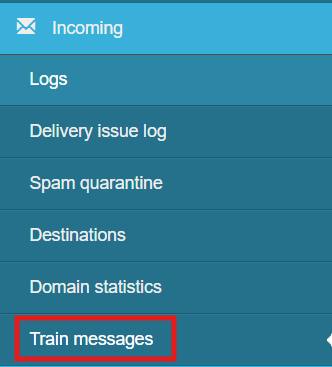
2. Select "Train messages" under left "Incoming" panel
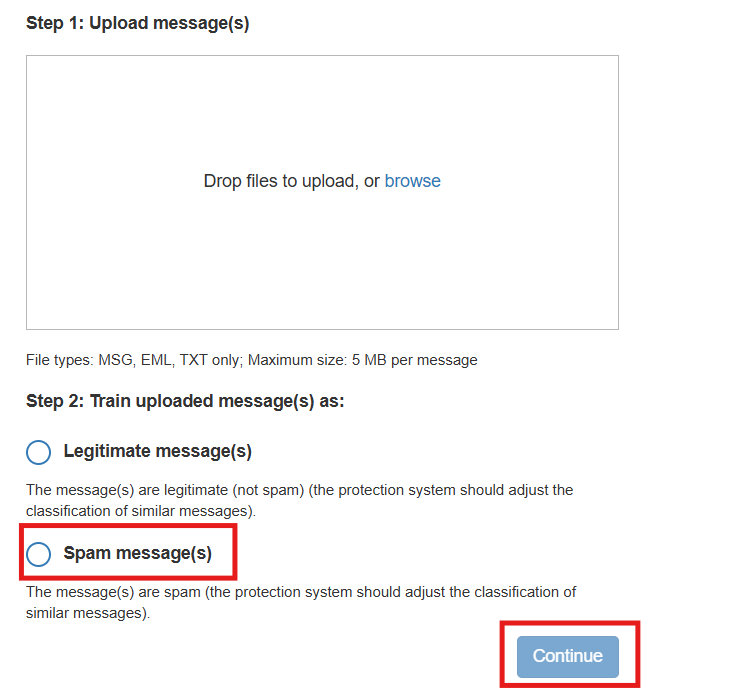
3. Drop the .eml file which has been falsely identified as Spam on the box panel and click on "Spam message(s)" and click on Continue
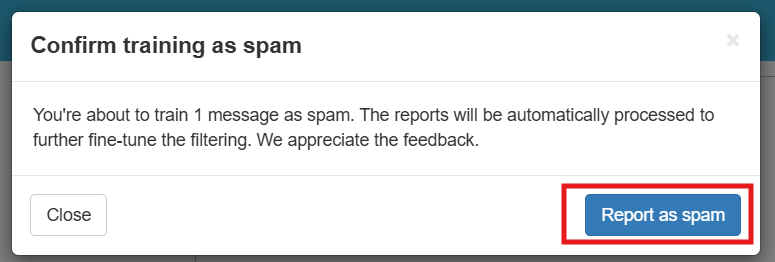
4. Click on "Report as spam" for the system to learn.